|
|
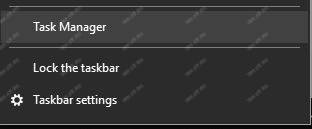
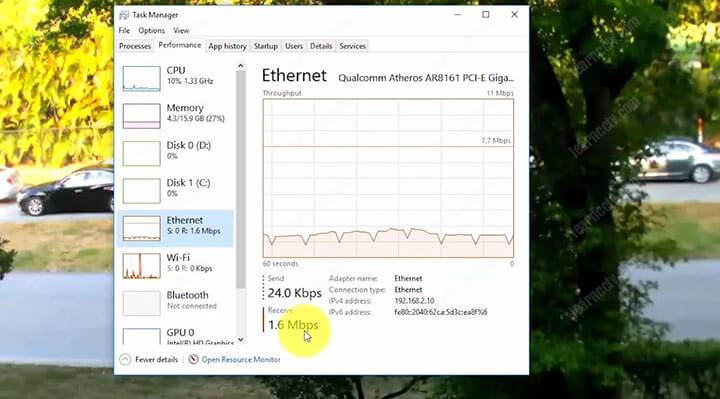
How to measure the bandwidth usage with the Windows task managerIf you do not have any specific software to measure the bandwidth usage of your IP camera, you can use the Windows task manager by right-clicking on the bottom bar and choosing the "task manager" in the floating menu. In the network menu, you can view the amount of bandwidth used at the moment, note in the following image that the IP camera was accessed via the Internet Explorer and the task manager shows that the camera is using 1.6 Mbps of traffic. This is a very simple and practical way of measuring the bandwidth usage of an IP camera, once the camera image is being displayed on the computer this traffic can be measured. Be careful when measuring network traffic as there is an option to measure what is coming in through the Ethernet interface (to which the network cable is connected) since there is another option to measure network traffic over the Wi-Fi interface, so please don't get confused. Make sure you are measuring the correct interface and that there is no other traffic than the camera being used, otherwise the measurement will not be correct. |